
Export followers
Collect public Instagram follower lists and save them as structured CSV files.
InExporter helps you collect public Instagram follower and following lists from your browser and save them as clean CSV files.
Simple setup, clear progress, and spreadsheet-ready exports.
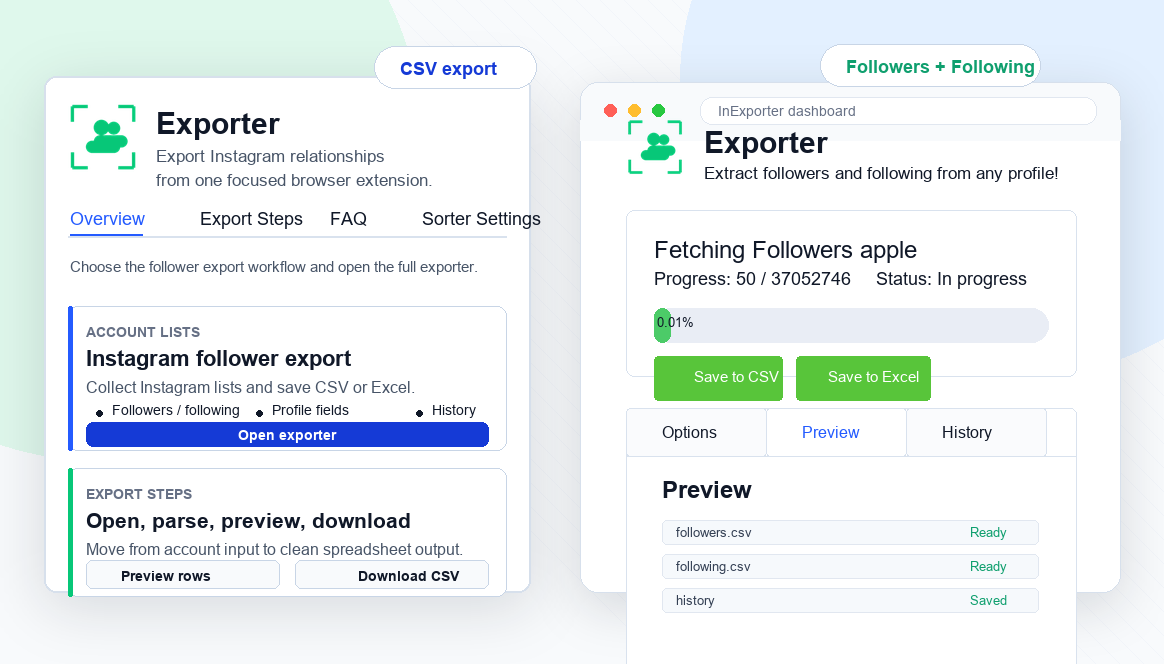
Preview and download Instagram followers or following lists without installing the extension. Sign in to save exports to your History.
Export Instagram followers or following lists in a few straightforward steps.
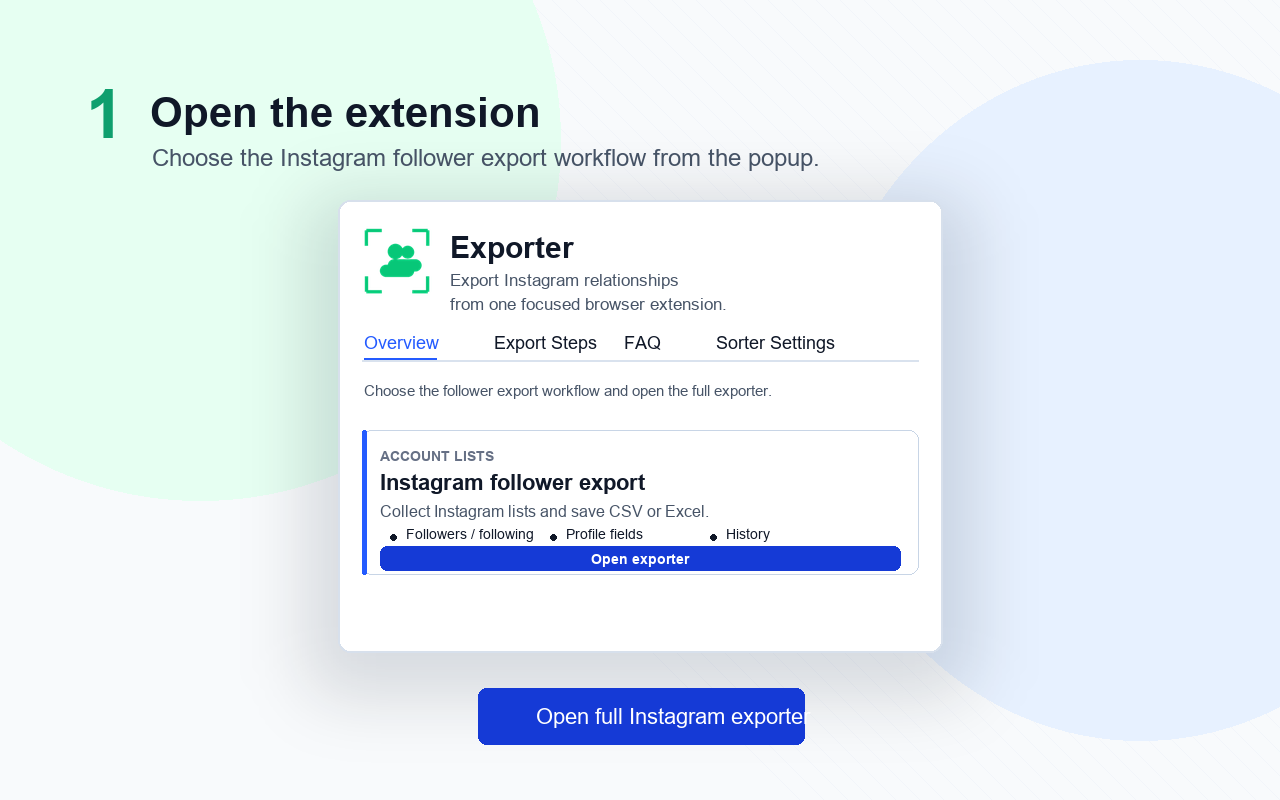
Add InExporter to Chrome, then pin the extension to your browser toolbar for quick access while browsing Instagram.
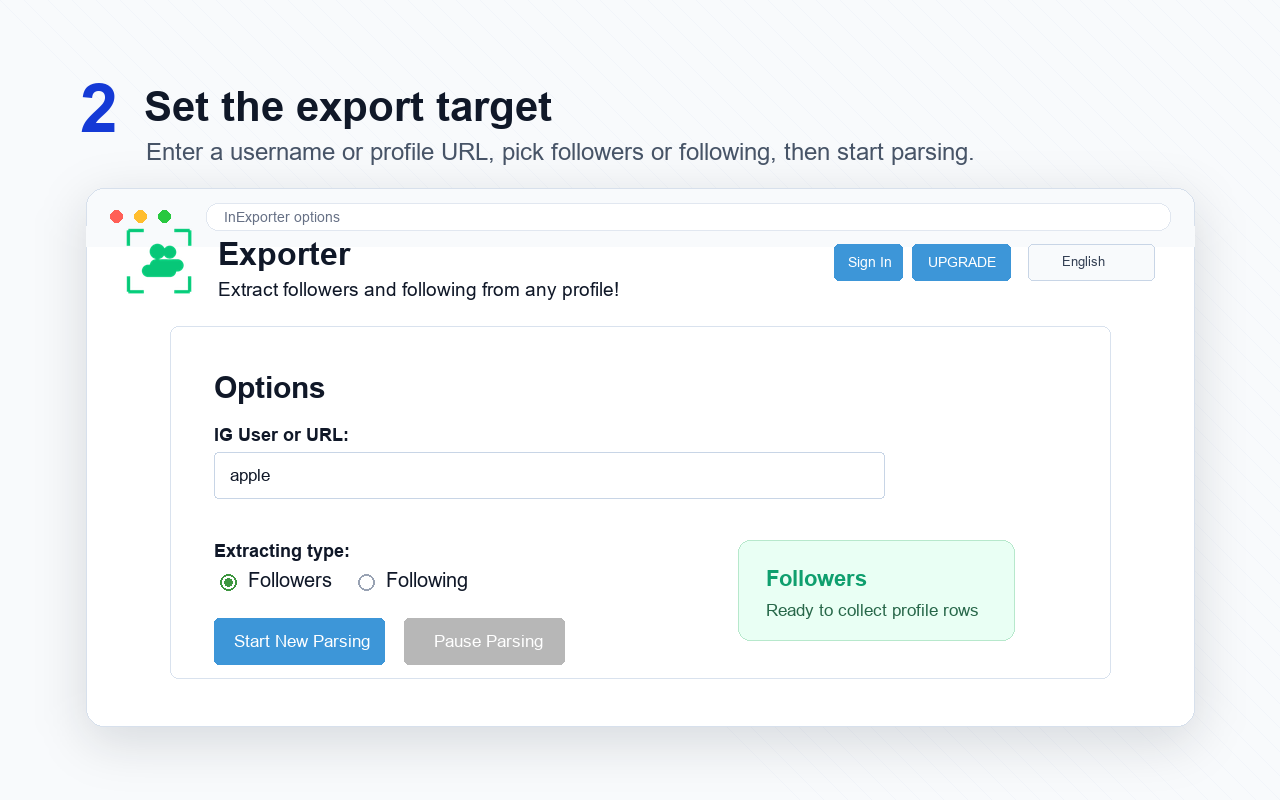
Open the extension, paste an Instagram username or profile URL, and choose whether to export followers or following.
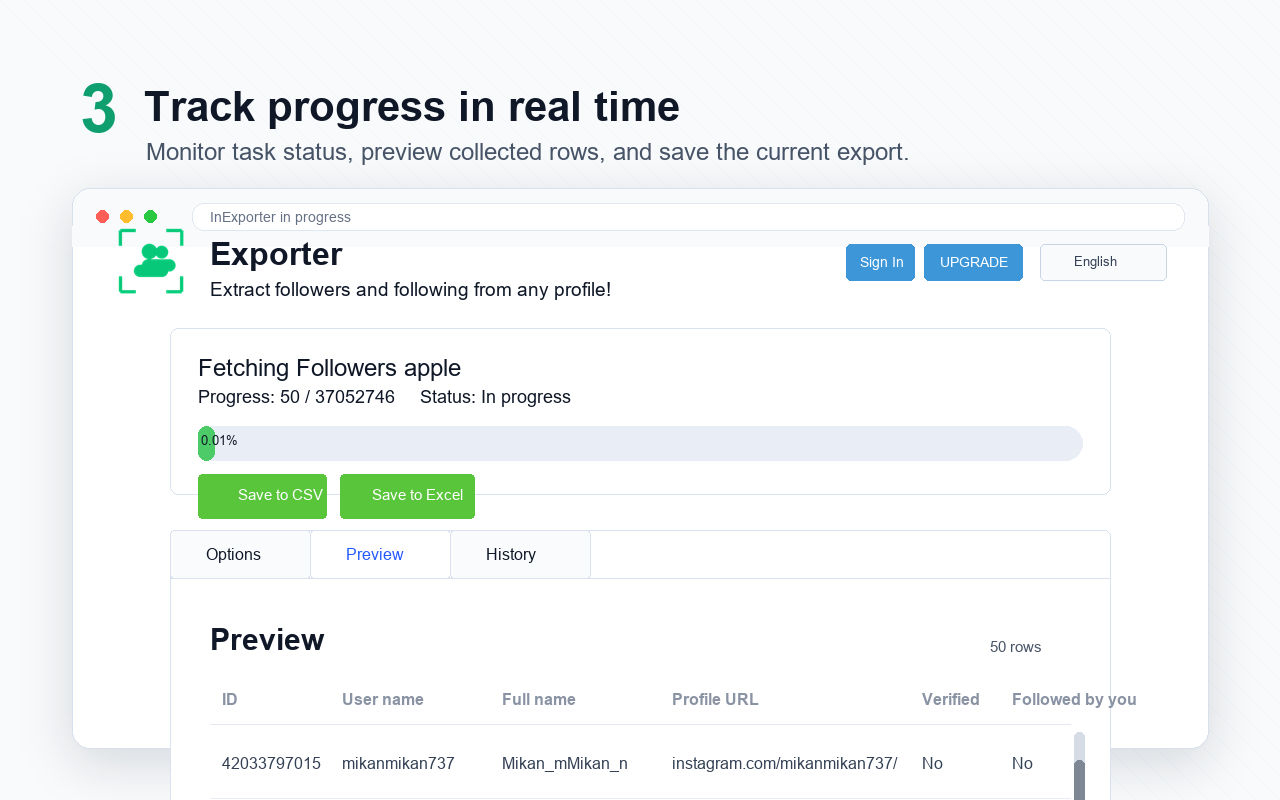
InExporter shows export progress in the browser, so you can follow the task status while the list is being collected.
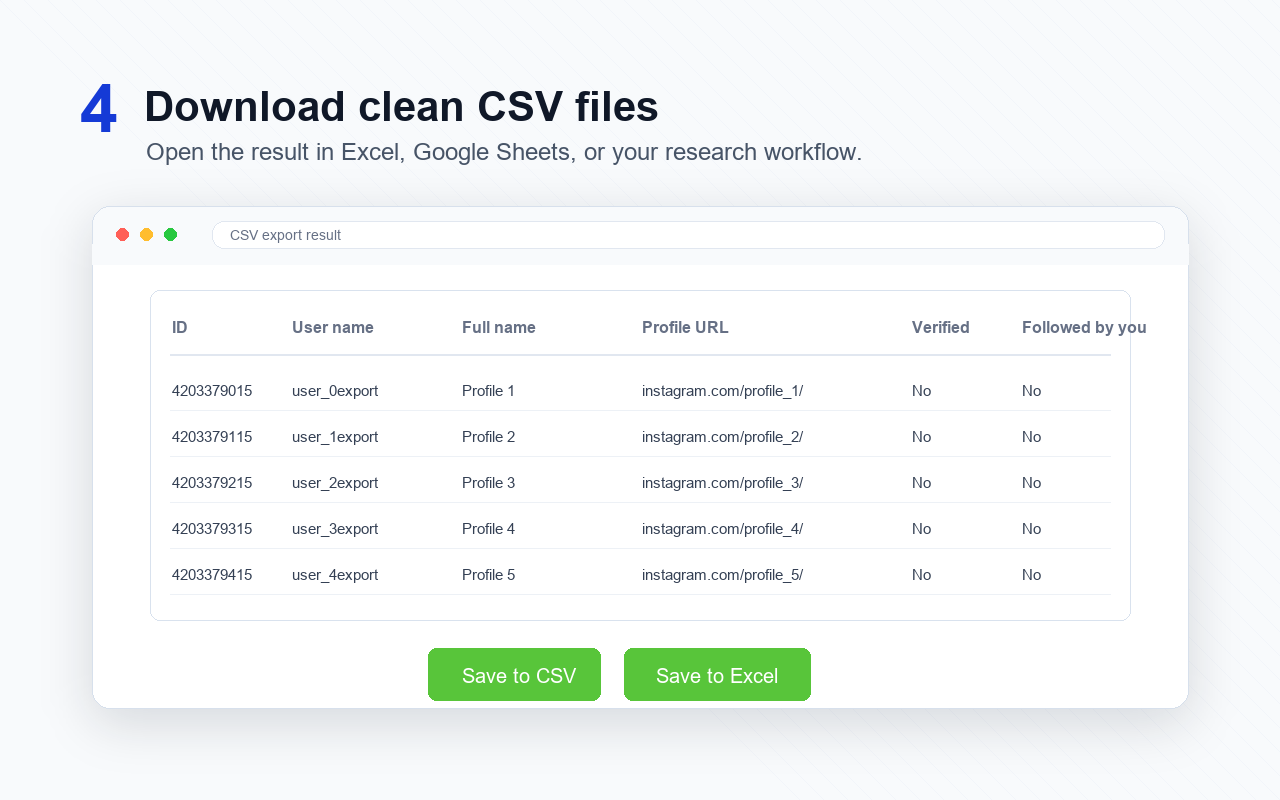
Save the completed list as a CSV file and open it in Excel, Google Sheets, or your preferred analysis workflow.
Fast CSV exports
Useful for organizing public follower lists without manual copy and paste.
Clear workflow
The extension keeps the export process simple from username input to final CSV.
Spreadsheet ready
Exported files are easy to review, filter, and import into daily research sheets.
Helpful history
Task history makes repeated exports easier to track and compare.
Followers and following
Switching between followers and following exports is straightforward.
No complex setup
Install, enter the target profile, choose an export type, and start.
Useful for audits
The CSV output helps with audience checks, lead research, and account organization.
Browser based
The work happens from Chrome while you keep control of the profiles you export.
Clean interface
Progress, status, and download actions are easy to understand.
Saves time
Much faster than building follower spreadsheets by hand.
Good for lists
Helpful when you need a structured list for analysis or record keeping.
Easy exports
The CSV download is the part that makes the whole workflow useful.
A focused Chrome extension for practical Instagram list exports.
Export followers
Collect public Instagram follower lists and save them as structured CSV files.

Export following
Export accounts followed by a profile for research, organization, or account review.

CSV format
Open exports in Excel, Google Sheets, Numbers, or your existing analysis workflow.

No password required
InExporter does not ask for your Instagram password or require a separate API setup.

Progress tracking
See export progress, task status, and completed results directly in the extension.

Export history
Review completed tasks and download results again from the extension history.
Install the Chrome extension and turn public followers or following lists into clean CSV files.
InExporter is a Chrome extension for exporting public Instagram followers and following lists to CSV files.
You can export followers or following lists for Instagram profiles you are allowed to access in your browser.
No. InExporter does not ask for your Instagram password. It works from your browser extension workflow.
The main export format is CSV, which can be opened in Excel, Google Sheets, Numbers, and most data tools.
Export only data you are permitted to access and use. Please follow Instagram rules and all applicable privacy, platform, and data protection laws.